Write the wiki
Pages and components
The kinds of pages a wiki holds, and the blocks you can put inside a page, from callouts and tabs to 2x2s, charts, decision blocks and Mermaid diagrams.
You rarely write these blocks by hand. Ask the agent for a 2x2 of your options or a chart of signups, and it writes the block. This page shows the exact syntax so you can read, fix or write one yourself.
Kinds of pages
| Kind | What it is |
|---|---|
| Page | A markdown page. Any page can hold child pages, and a page with an empty body works as a folder. A page has four fields of its own: status (draft, current, outdated), owner, a one-line summary and tags. |
| Typed page | A page with a type, such as Competitor or Initiative. It has the type’s fields in its header and ordinary prose below. See Typed pages. |
| Type page | One page per type, with a short description above a table of every page of that type. |
| Drawings, sheets and HTML pages | A page can also be an Excalidraw drawing, a mind map, a spreadsheet, a calc sheet, a mockup, a canvas, a data model or an interactive HTML page. Each keeps its own file format. See Drawings, sheets and HTML pages. |
A page shows its title above the body, so start the body with text rather than repeating the title as a heading.
Choosing a visual
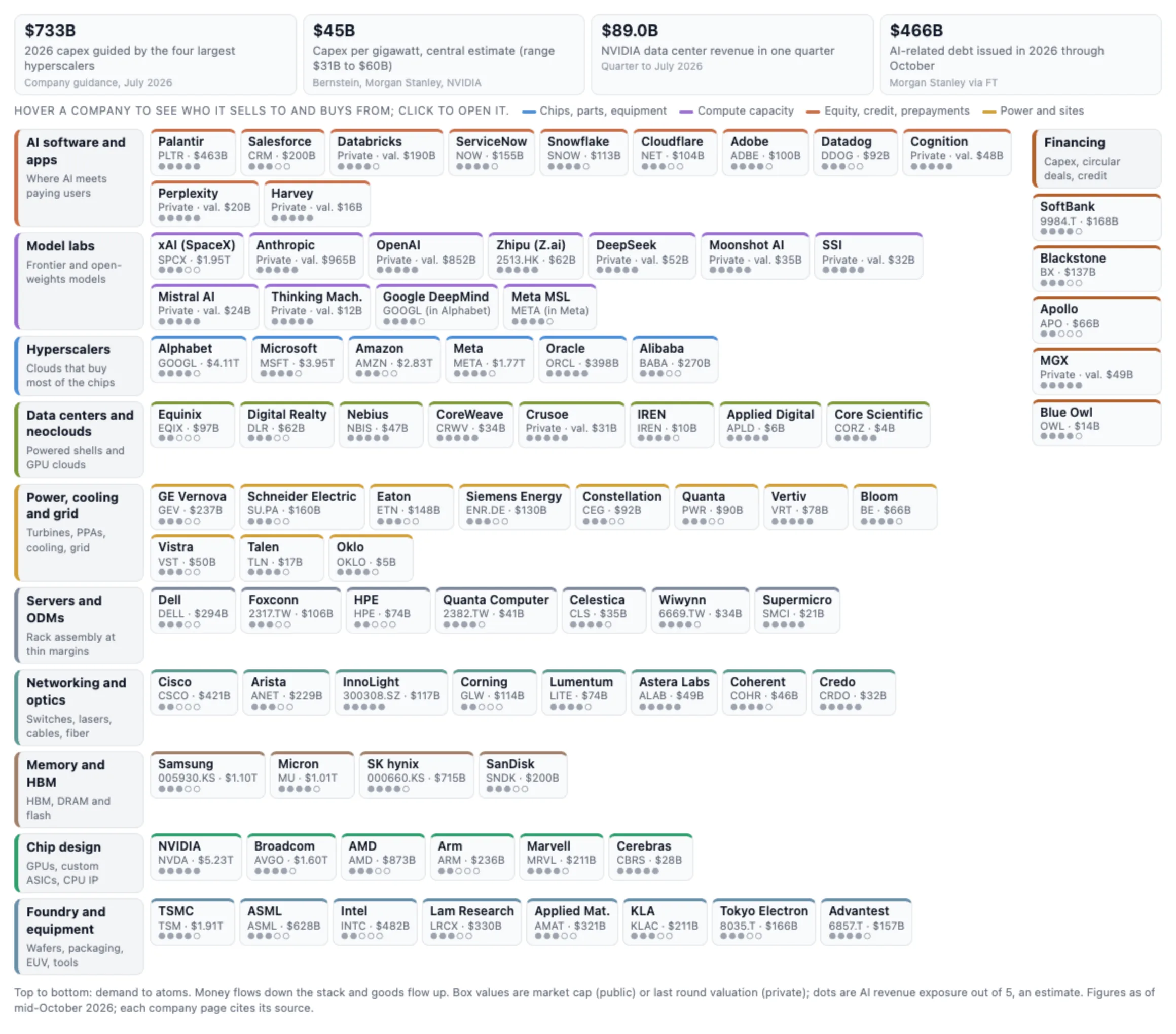
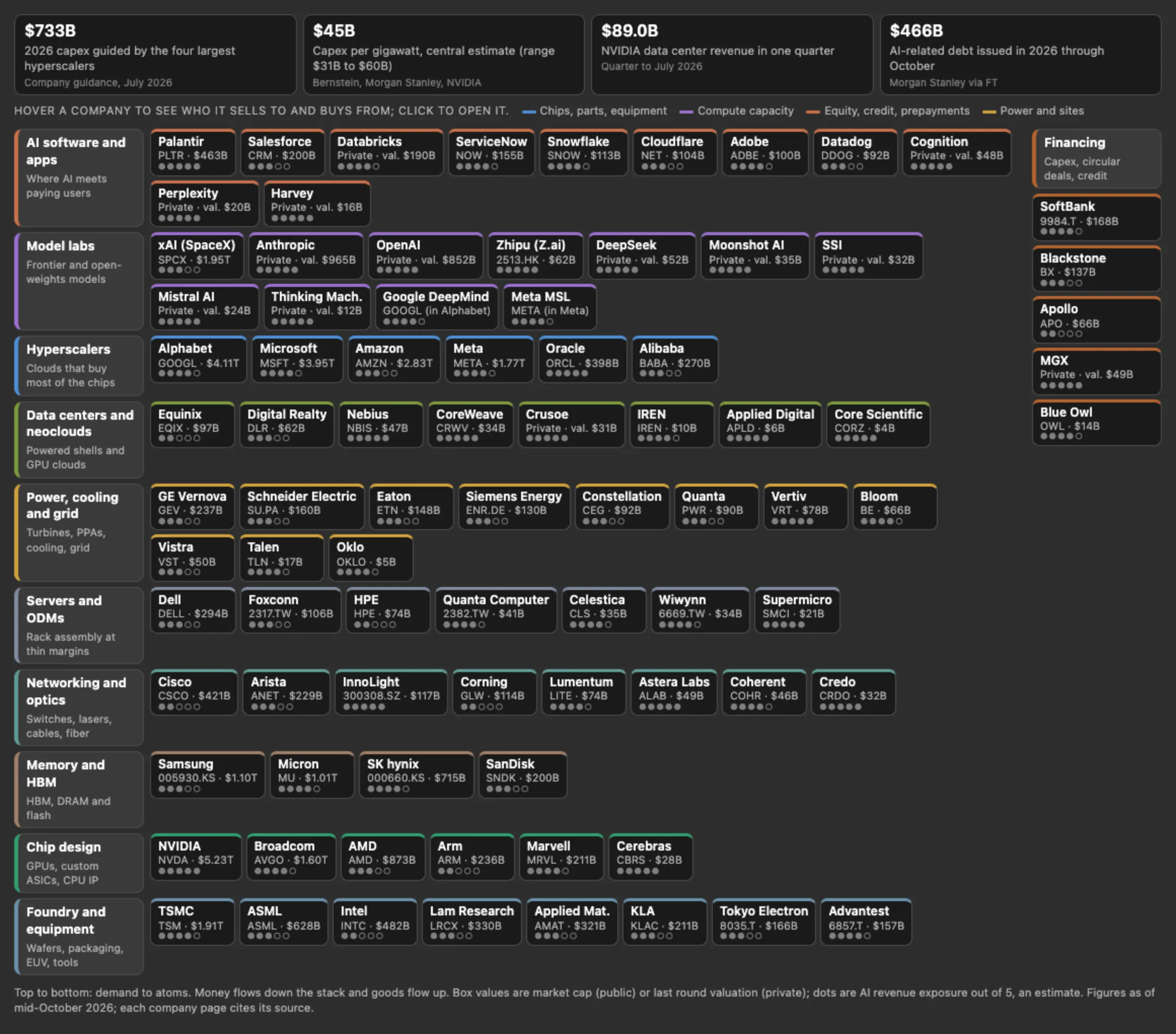
The writing guide in your wiki (“How we write this wiki”) has a table of visual defaults that the agent follows. Edit a row to change what the agent uses. Out of the box:
| When you need | Use |
|---|---|
| A map of the product or the landscape | An interactive HTML page, each box a link |
| A flow or a sequence | A Mermaid diagram |
| A freeform diagram | An Excalidraw drawing |
| Positioning, or impact against effort | A 2x2 |
| A trend in a few numbers | A chart |
| A question for named people to settle | A decision block |
| A data table or a model of numbers | A spreadsheet or a calc sheet |
A page is usually text. Use a visual where it helps a reader see the whole, and only with data a person or a source gave.
Writing a block
Write each block on its own, with a blank line before and after it.
Do not put math ($x$, $$), <details> collapsibles or board-table blocks in a wiki page. They stay as literal text, and a collapsible can stop the browser view from showing the page. Use tabs for content a reader should be able to fold away.
Callout
> [!TYPE] Optional title, then the body as > lines. TYPE is one of NOTE, TIP, IMPORTANT, WARNING or CAUTION.
> [!WARNING] Prices change quarterly
> Check the vendor's page before quoting a number.
Use a callout for the one thing every reader needs to see. Do not put a decision in a callout; a decision is a marked sentence.
Columns
Each tag on its own line, with blank lines around the markdown inside each column. data-columns takes CSS grid widths.
<div data-columns="2fr 1fr">
<div data-column>

Today we sell to IT buyers through a direct team.

</div>
<div data-column>

- Direct sales
- 40-day cycle

</div>
</div>
People read pages on phones, so keep columns for two short, related things, such as before and after, or a picture and its legend.
Tabs
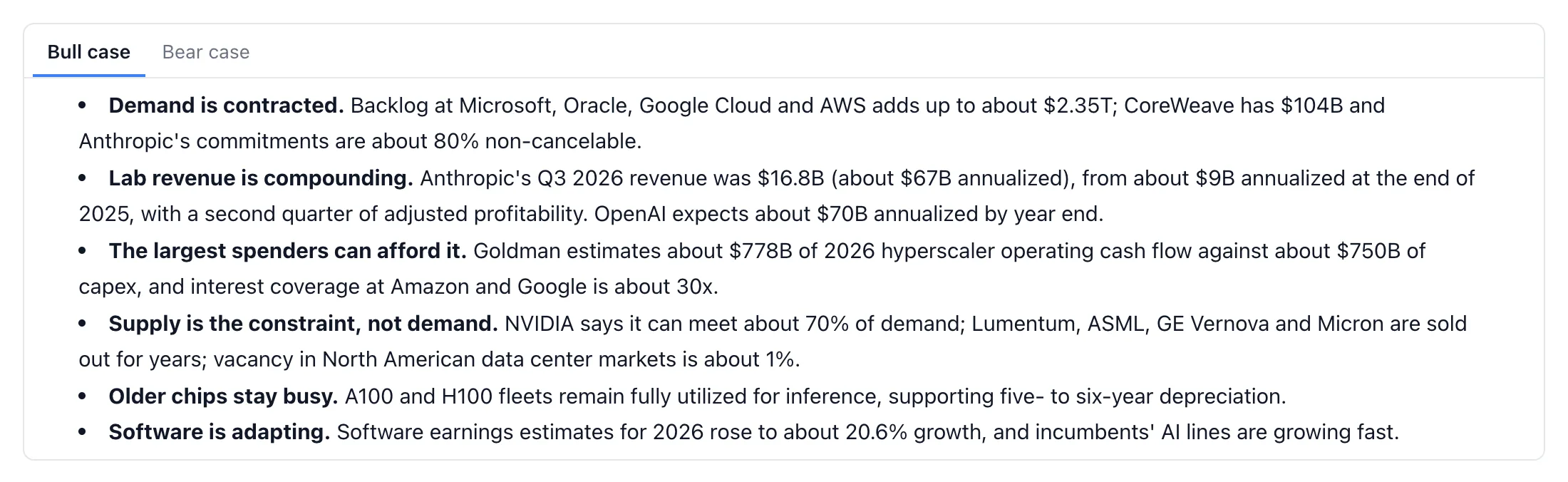
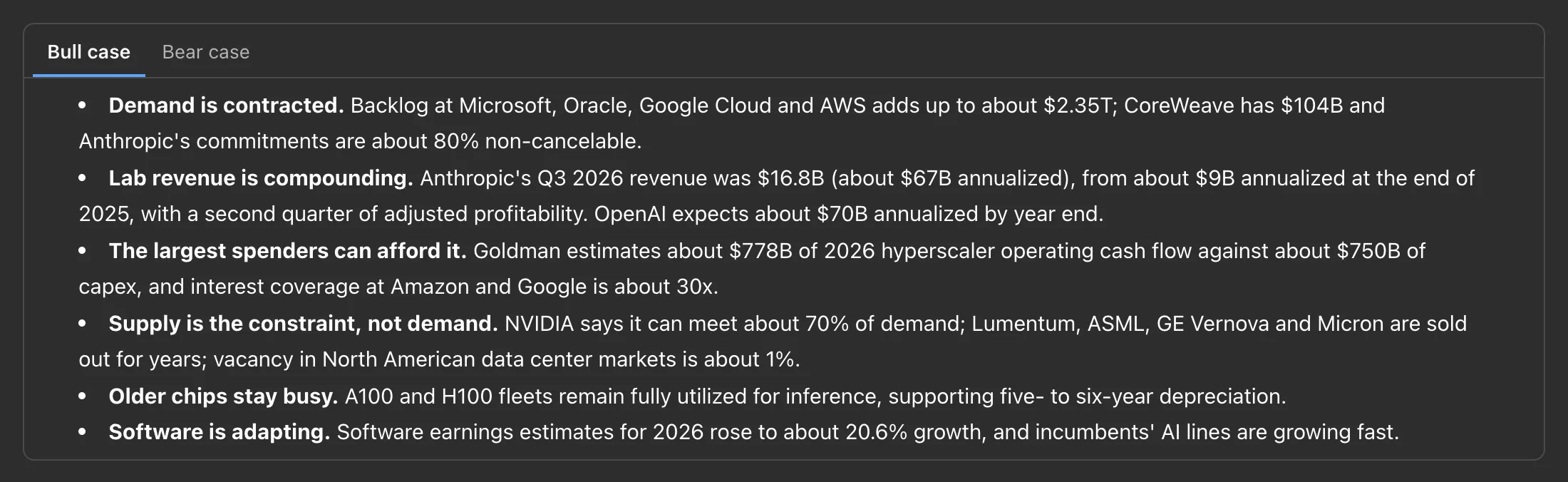
<div data-tabs>
<details data-tab>
<summary>Scenario A: raise prices</summary>

Revenue per customer rises 12 percent; churn risk in the small tier.

</details>
<details data-tab>
<summary>Scenario B: add a tier</summary>

A new entry tier at half the price, with fewer seats.

</details>
</div>
Use tabs for alternatives a reader picks one of: scenarios, plans, platforms.
2x2
A fenced 2x2 block, one entry per line. x: and y: are axis captions from low to high. quadrants: names the top-left, top-right, bottom-left and bottom-right quadrants, split by |. Each point is - Label: x, y with values from 0 to 1. A trailing ! highlights a point. Optional width and height.
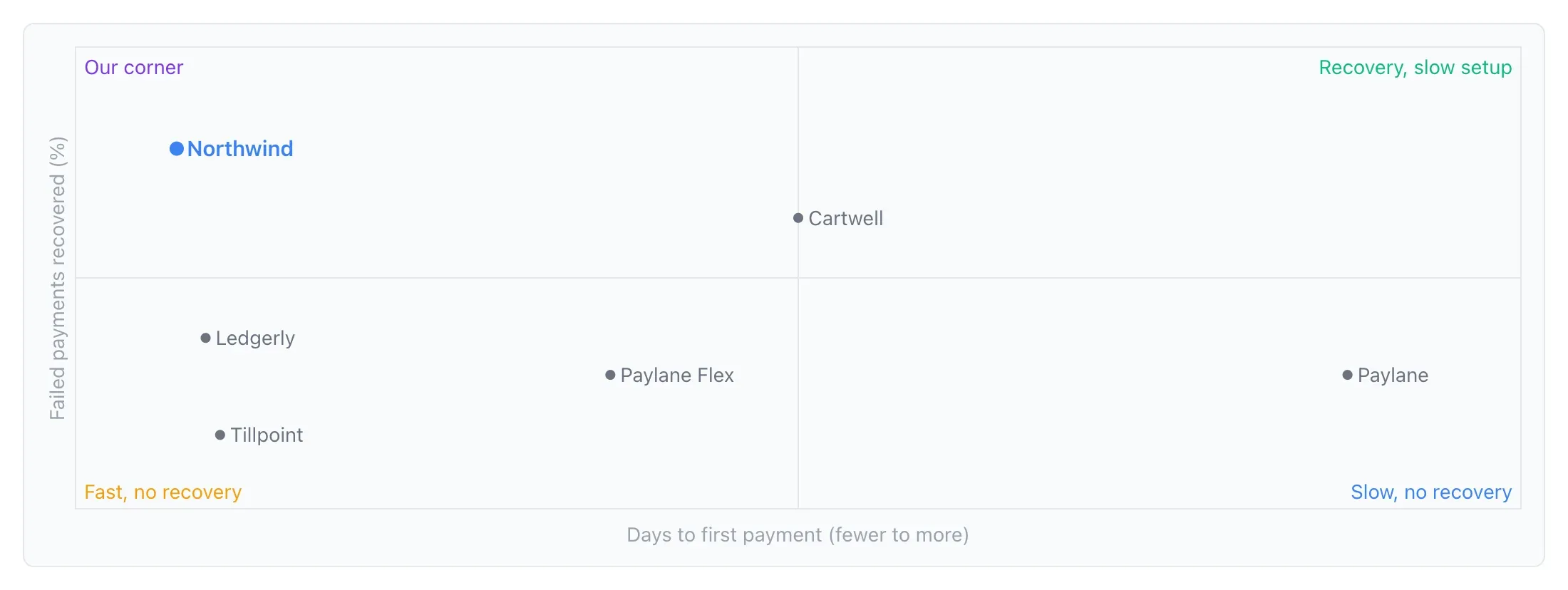
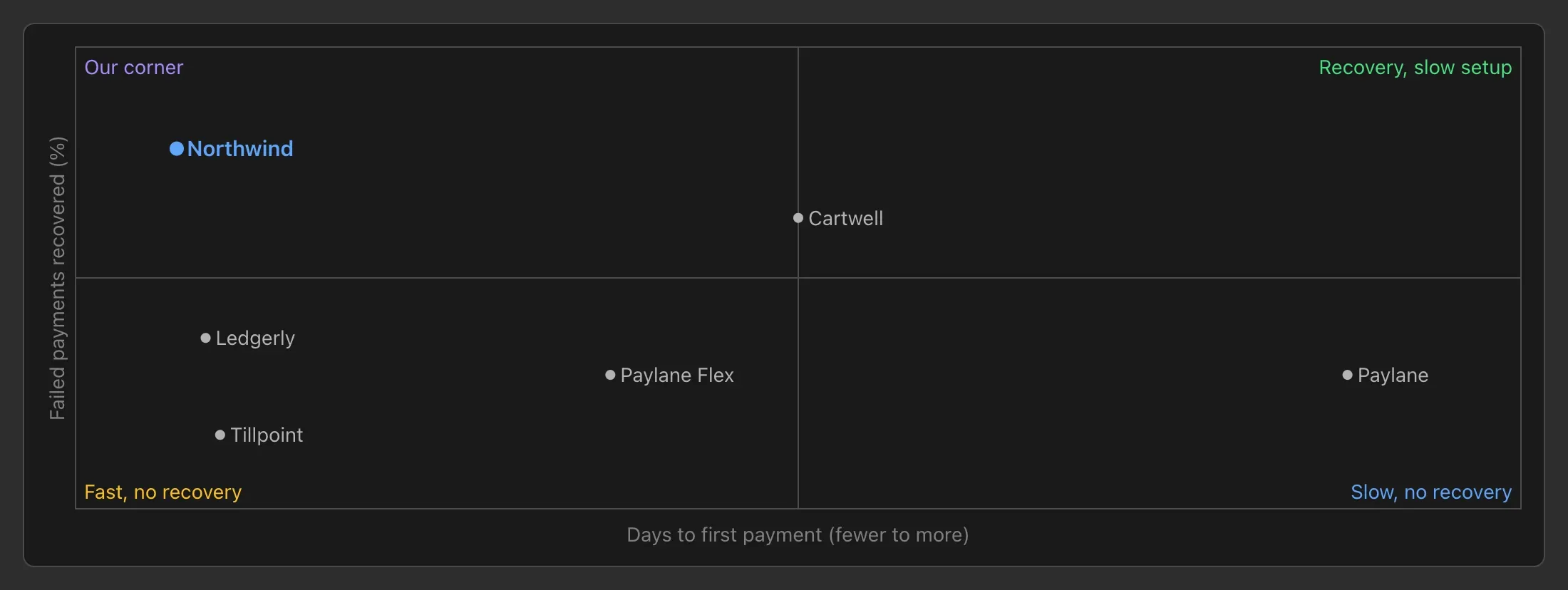
```2x2
x: Marketer-first, closed -> Developer-first, open
y: Batch -> Realtime decisioning
quadrants: Enterprise suites | Opportunity | Guidance and engagement | Dev-first
- Salesforce: 0.15, 0.85
- UserCurrent: 0.85, 0.9 !
```
Chart
A fenced chart block holds YAML. type is bar, line, area, pie or scatter. x names the category column, and y names one number column or a list of them (a pie takes one). data is CSV text with a header row, or a YAML list of rows. Optional title, width (pixels, at least 240) and height (pixels, 120 to 1200).
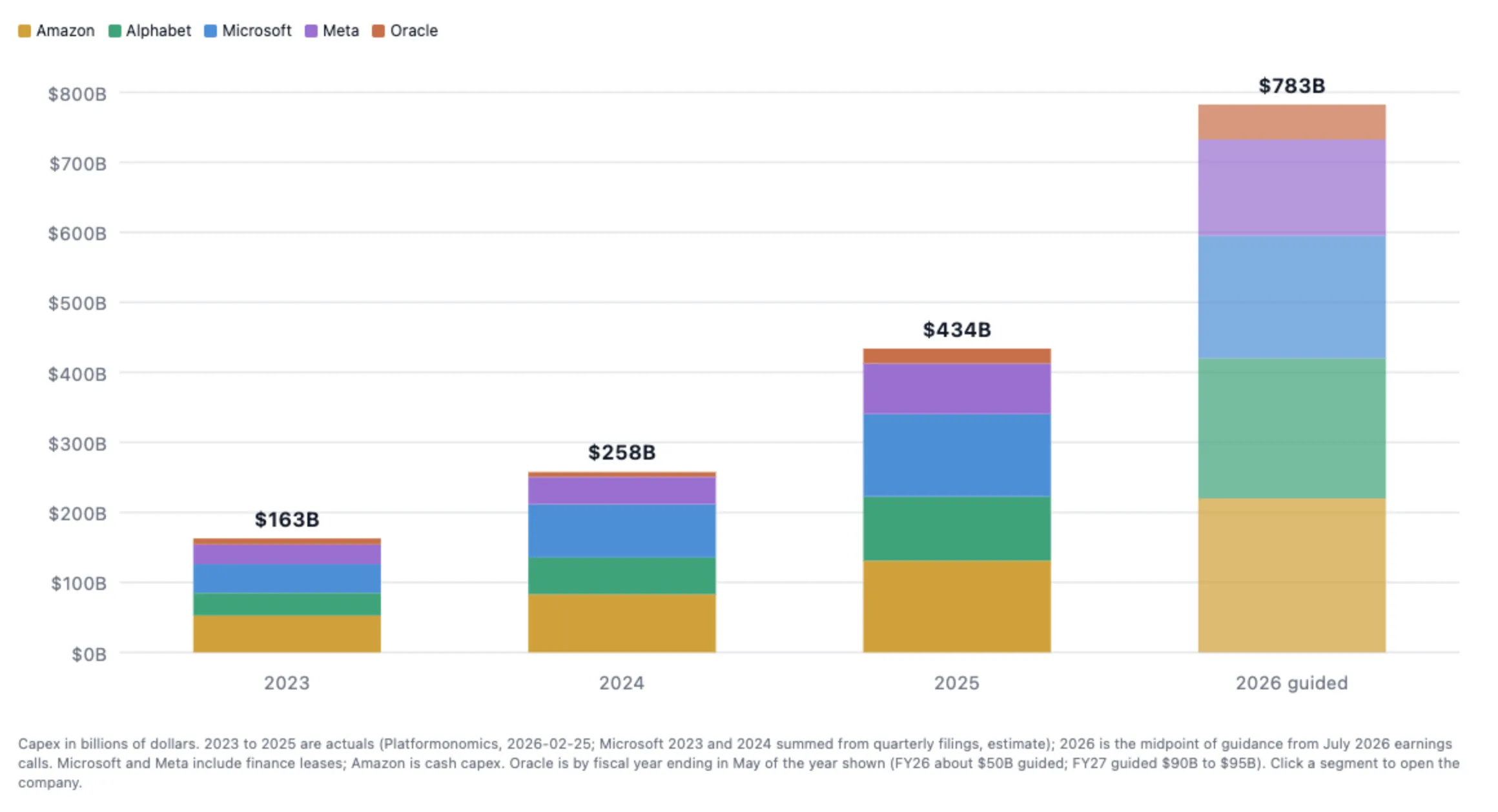
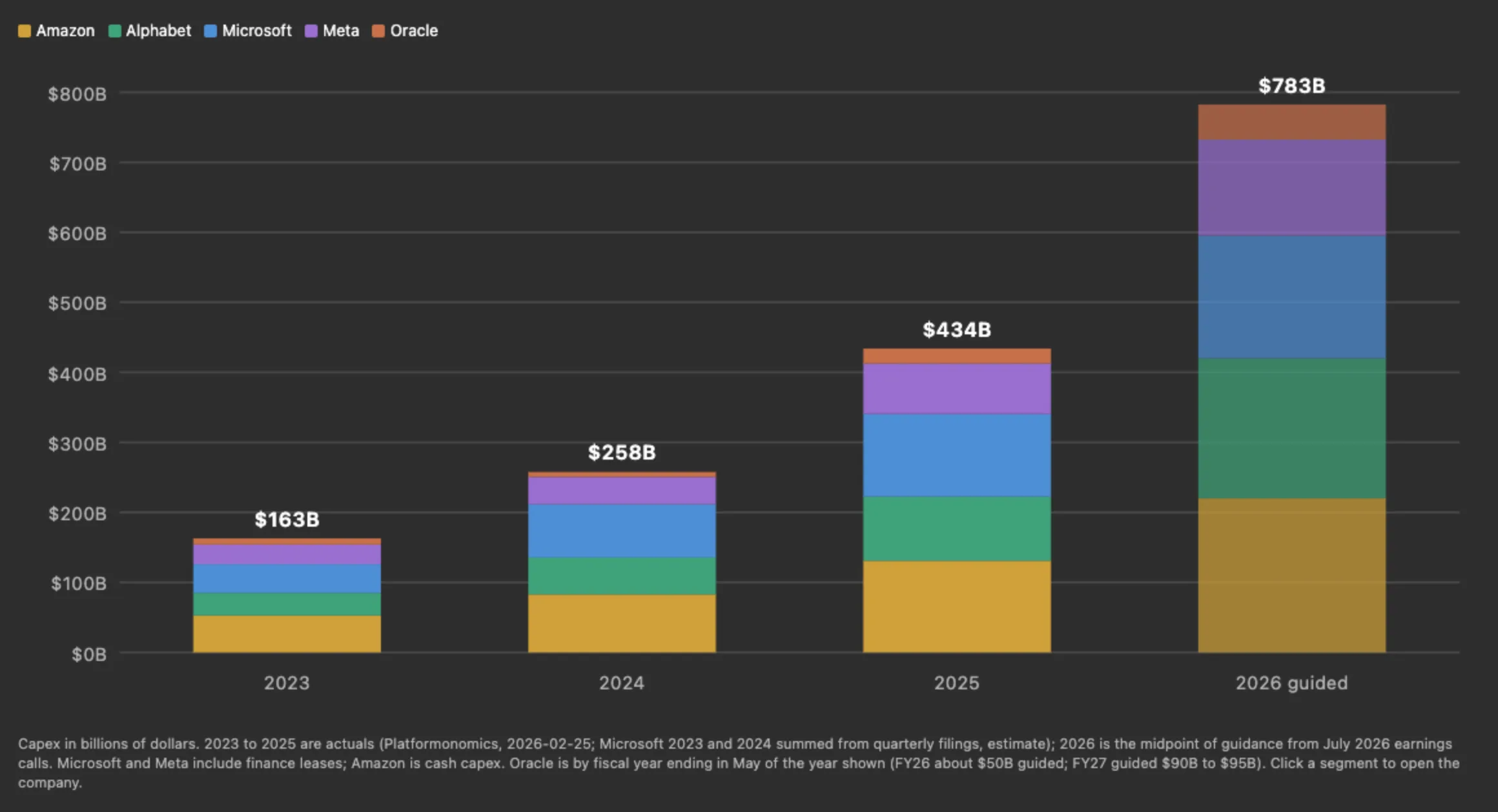
```chart
type: line
title: Sessions per week
x: week
y: [desktop, web]
data: |
  week,desktop,web
  2026-09-01,120,14
  2026-09-08,131,22
```
Cite where the numbers came from in the sentence next to the chart.
Decision block
A fenced decision block puts a question to named people, who answer it in the page. Keys: ask, an optional description, type, asked (names, as a list or greg, karl) and options (a list of strings, or entries with id, label and description).
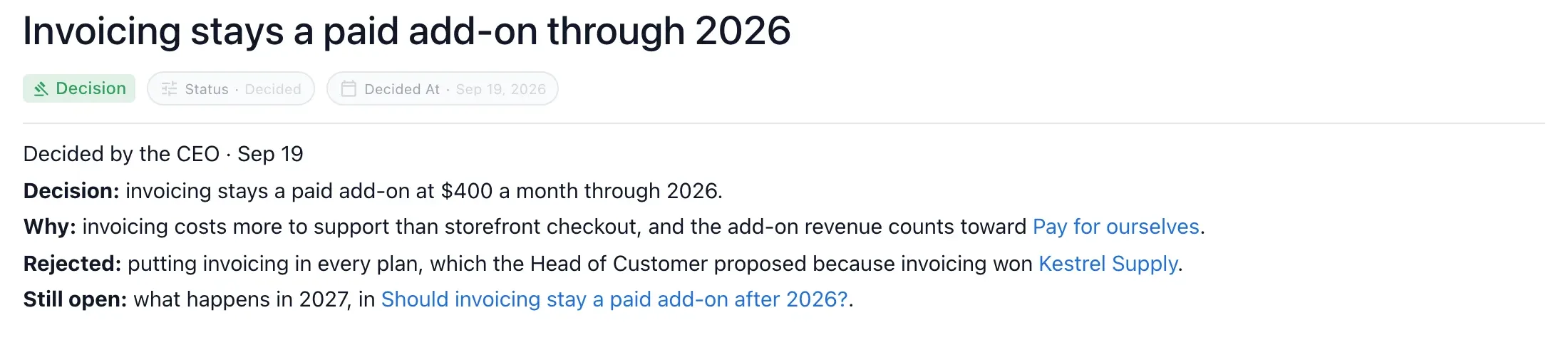
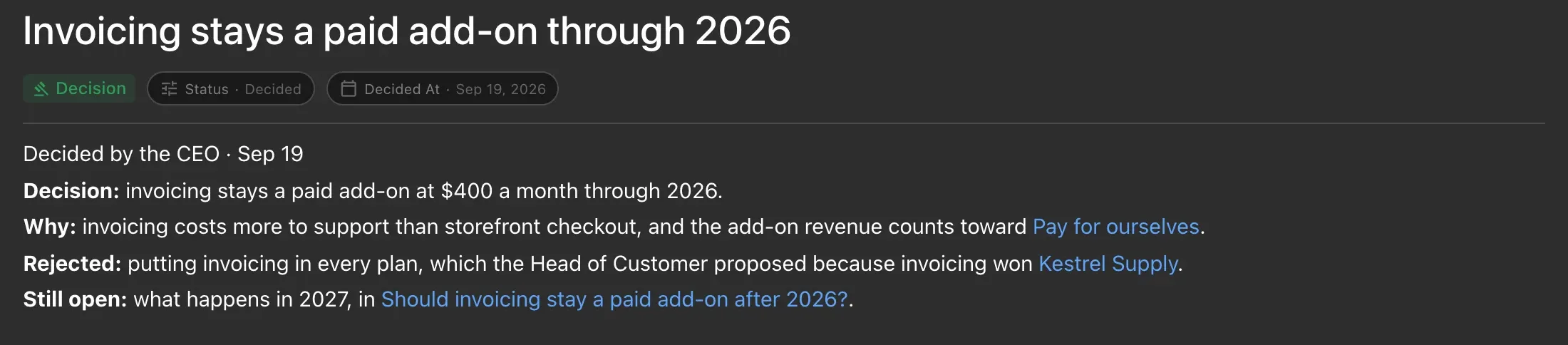
type is one of:
singleSelect(the default): pick one.allowOther: trueadds a write-in.multiSelect: pick several, withminSelectedandmaxSelected.reorder: rank the options, withminItems.editText: edit a draft held inseed, withformatset tomarkdownorplain.confirm: yes or no.rating: a score, withmin(default 1),max(default 5),minLabelandmaxLabel.
```decision
ask: Which market do we enter first?
type: singleSelect
asked: greg, karl
options:
  - id: us
    label: United States
  - id: eu
    label: European Union
```
The answer, who answered, when and each vote are recorded in the block; do not write them yourself. Use a decision block only when people still have to choose and you can name who. Once it is settled, write the outcome as a decided sentence in the page it affects.
Mermaid
A fenced mermaid block renders as a diagram. Use it for a flow or a sequence that reads top to bottom.
```mermaid
flowchart TD
  Idea --> Research
  Research --> Decision
  Decision --> Launch
```
For a timeline on a local wiki, use a Mermaid gantt chart.
Table of contents
```toc
depth: 2
```
depth is 1 to 6 (default 3). Add one only to a long page with several sections.
Code excerpt
A fenced excerpt block quotes lines from a source file: a YAML header (path is required, lines such as 10-12, an optional commit), a --- line, then the lines exactly as they are in the file.
```excerpt
path: src/pricing/tiers.ts
lines: 3-4
---
export const TEAM_SEATS = 10;
export const BUSINESS_SEATS = 50;
```
Mentions, dates and images
- A person:
[@Dana Lee](mailto:dana@example.com) - A date: a bare
@2026-10-01 - An image with a size:
{800x600}. Write both numbers or neither.
Link preview
A web link alone in its paragraph with the title "preview=card" shows a card. "preview=embed" plays the site’s own player where the site allows it (a video, a design file) and falls back to a card otherwise.
[Launch video](https://www.youtube.com/watch?v=example "preview=embed")Sources
Cite a web page or document as an ordinary link titled cite. The page lists its sources at the bottom.
Their entry plan is $12 per seat ([Acme pricing](https://example.com/pricing "cite"), checked 2026-10-01).Embedding a drawing, sheet or HTML page
A link alone in its paragraph to a drawing, spreadsheet, HTML page or other editor page shows that page live inside this one. See Drawings, sheets and HTML pages.