Get started
Introduction
NimWiki is a wiki your agent writes with you, built to help you understand a problem, make a decision and share it, in place of a slide deck.
NimWiki turns the work of figuring something out into a wiki you can read at a glance. Your agent researches, drafts pages, draws the maps and keeps the pages current, and you read, edit and decide. Use it for a product strategy, a market map, an investment thesis, a team’s architecture or any question you would otherwise answer with a slide deck.
A wiki starts on your machine as a folder of markdown files. When other people need it, you move it to a team with one request or publish it as a read-only website.
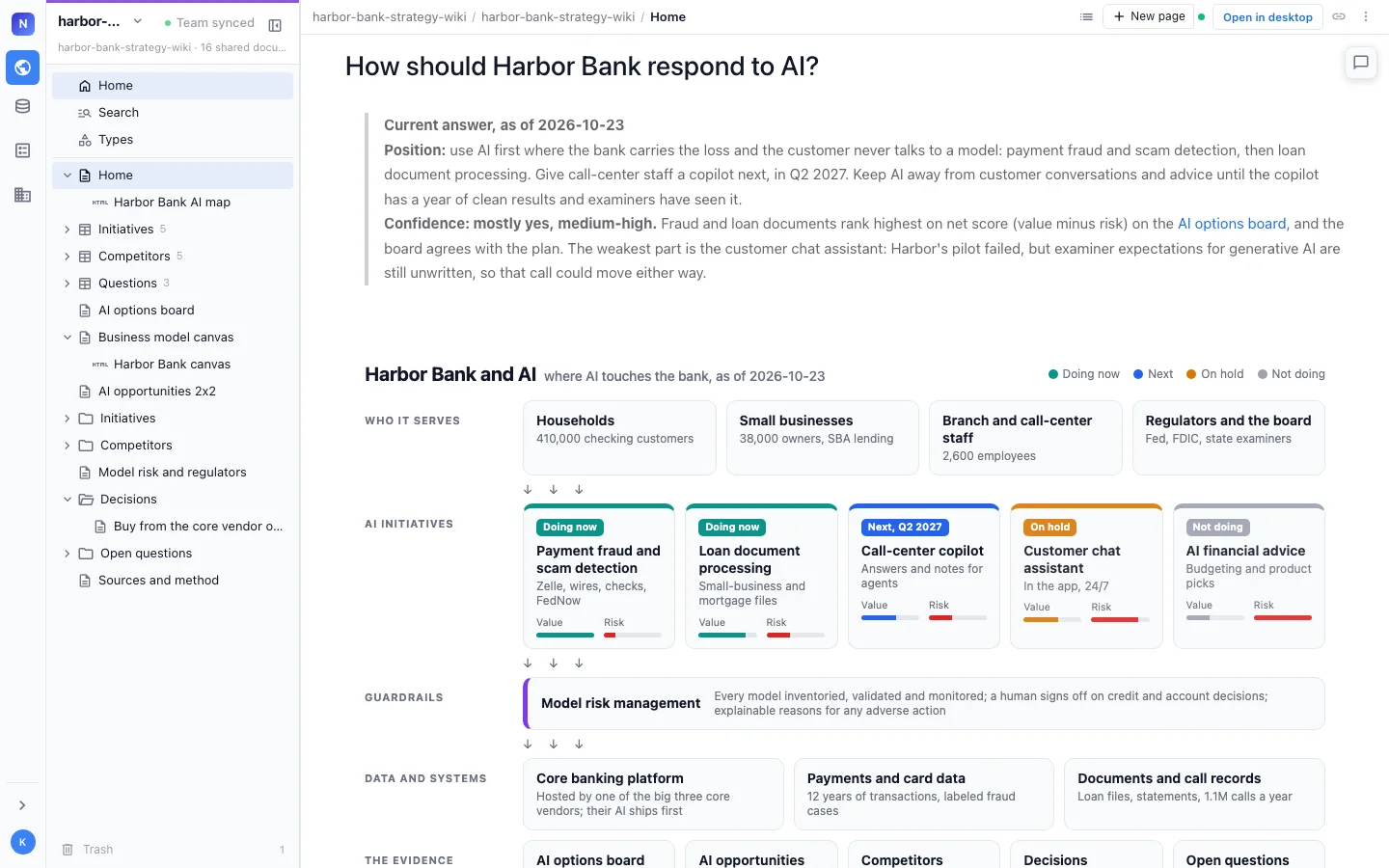
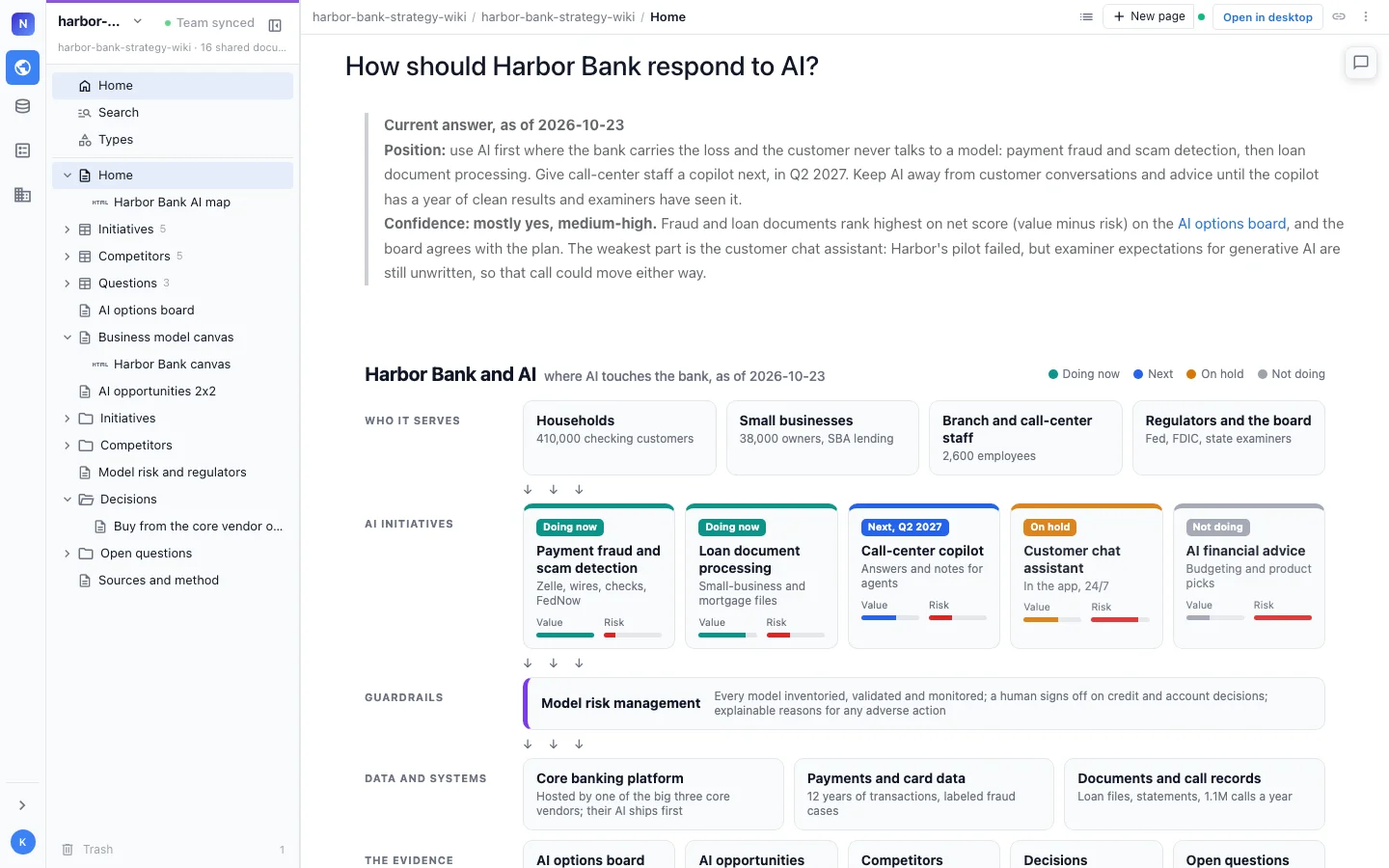
What you get
| Visual | Maps, 2x2s, charts, Mermaid diagrams, Excalidraw drawings, mind maps, spreadsheets, typed pages with tables, and interactive HTML pages embedded in your pages. |
| Built to decide | Decisions marked in the page they affect, with who decided, when and what was passed over. Open questions with owners. Facts with a source and a date. Scenarios side by side. |
| Agent powered | A plugin for the agent you already run on your machine, such as Claude Code or Codex. The agent researches, writes and keeps the wiki up to date. |
| Human editable | Plain markdown files you own. Edit them in the browser view, in any text editor, or in git. |
| Promote to a team | Move a local wiki to a team wiki with one request, with its pages, types, links and drawings. |
| Shared | Invite people to read and edit, or publish the wiki as a static website anyone can read. |
How it works
- You install the plugin in your agent. See Install.
- You ask the agent to set up a wiki. It asks what the wiki is for, then writes a Home page, a writing guide and starter pages. See Quickstart.
- You work as usual. The agent writes what you decide into the pages it affects, and you open the wiki in your browser to read and edit it. See Decisions and open questions and Browser view.
- When others need it, you move it to a team or publish it. See Promote to a team and Publish as a static site.
A local wiki needs no account and stays on your machine. See Pricing FAQ for what a hosted wiki costs.
Where to go next
- New here: Install, then the Quickstart.
- Making pages visual: Pages and components and Drawings, sheets and HTML pages.
- Tracking many things of one kind: Typed pages.
- Sharing: Promote to a team, Invite people and Publish as a static site.
- Command line: CLI reference and Upgrade.
- Examples: browse finished wikis in the examples gallery.