Use it
Browser view
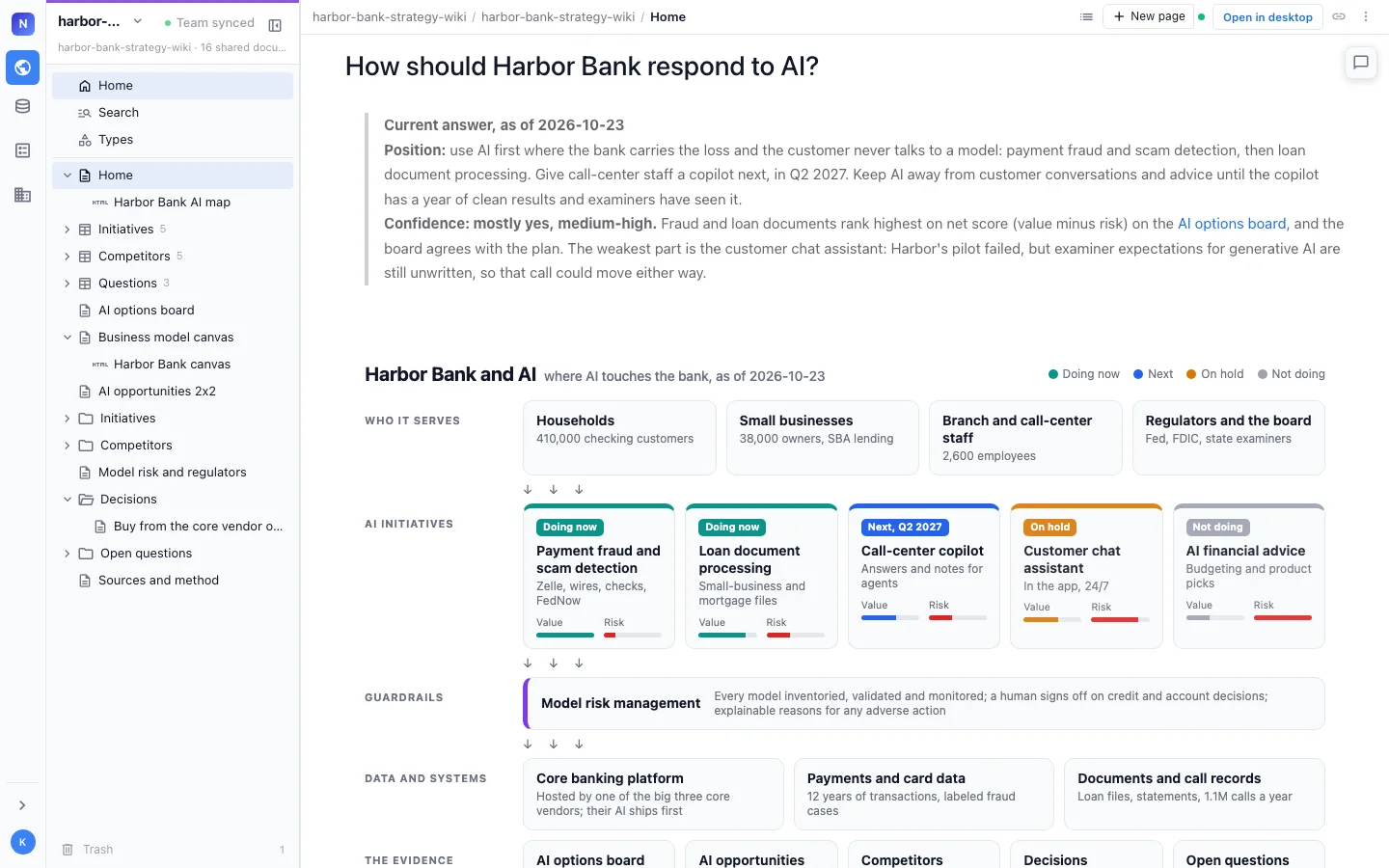
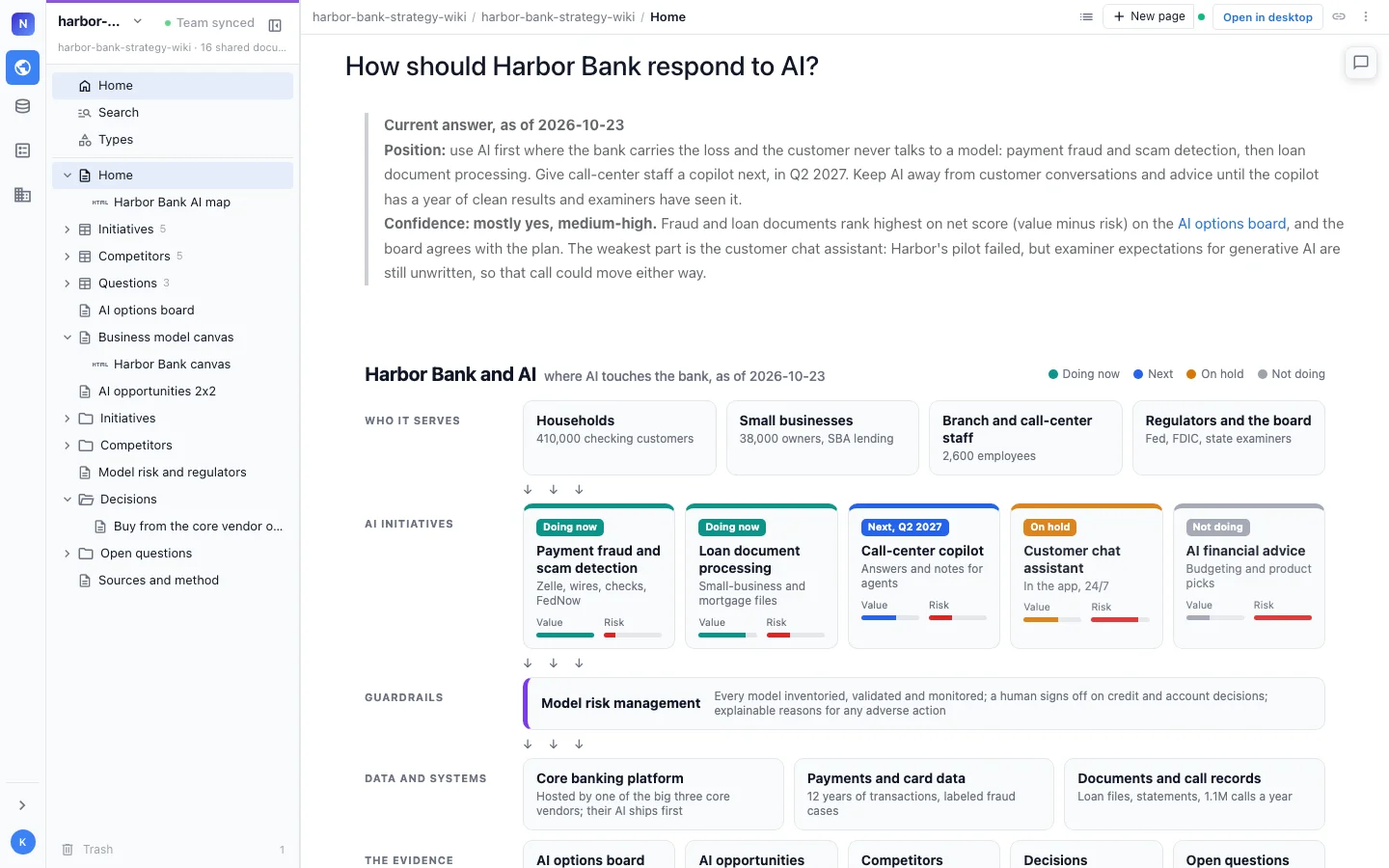
Read and edit a local wiki in your browser, with the page tree, the page editor, drawings, sheets and type tables, served from your own machine behind a token.
The browser view is how you read and edit a local wiki. It comes with the plugin and with nim, so there is nothing else to install, and it reads and writes the same files your agent does.
Open it
Ask your agent:
Open the wiki in my browser.
The agent starts the browser view for the rest of the session, opens it, and gives you the URL.
From a terminal, in the project folder:
nim wiki serve| Flag | Effect |
|---|---|
--no-open | Print the URL instead of opening a browser |
--port N | Serve on port N |
nim wiki serve runs until you press Ctrl+C. After you upgrade nim, restart it to get the new version.
What you can do
- Browse the page tree and follow links between pages.
- Edit pages in the editor. Edits save straight to the files.
- Watch the agent work. What the agent writes shows up while the page is open.
- Edit drawings, mind maps, spreadsheets, calc sheets, data models, mockups, canvases and HTML pages in their own editors. See Drawings, sheets and HTML pages.
- Create pages from the New page menu, including drawings and sheets.
- Work with typed pages: each type’s page shows a table of its items, and each item shows its fields in the header. See Typed pages.
Every block on Pages and components renders here: callouts, columns, tabs, Mermaid, charts, 2x2s, decision blocks, decision and open marks, and embedded pages. Views of a type are a team wiki feature and show as a note in the local browser view.
Security
The browser view is private to your machine:
- It listens on
127.0.0.1only, so other machines on your network cannot connect. - Each run creates a token, and the URL carries it (
http://127.0.0.1:<port>/?token=...). A request without the token is refused. - A local wiki needs no account and sends your pages nowhere.
Do not paste the URL into a chat or a document. To show the wiki to other people, move it to a team or publish it as a static site.
Browser view, team wiki or static site
| Browser view | Team wiki | Static site | |
|---|---|---|---|
| Who can open it | You, on this machine | People you invite | Anyone with the link |
| Editing | Yes | Yes, together | Read-only |
| Account | None | Sign-in | None |
| Where it runs | Your machine | Hosted | Any static host |