Get started
Quickstart
Start a local wiki, let your agent write the first pages, record a decision and open the wiki in your browser.
You need the plugin installed first; see Install.
Start from a strategy question
Every example wiki began as one question. Make an empty folder for yours, open Claude Code or Codex in it, and ask for the wiki in a sentence that names the subject and the sources:
mkdir cloudflare-strategy && cd cloudflare-strategy
claude
Build a strategy wiki for Cloudflare from its filings, earnings calls and product docs.
The agent asks one short round of questions (step 2 below), then researches and writes. You get a Home page with a map of the subject, a page for each product line, competitor or option, the visuals that fit (a 2x2, a business model canvas, a clickable HTML map), sourced findings with dates, and a list of open questions. Ask it to open the wiki in your browser (step 4) and watch the pages appear.
Good first questions name a decision or a subject you need to understand:
Build a wiki on whether we should enter the mid-market, with the three options side by side.
Map the AI coding agent market: the vendors, their pricing and who buys them.
Start from a code repository
Open your agent in the repository the wiki is about and follow the steps below. The same steps apply to a strategy folder.
1. Ask for a wiki
Open your agent in the folder the wiki is about, then ask:
Set up a wiki for this project.
The agent asks where the wiki should live:
- Private in this folder (the default). The pages go in a folder that git ignores, so they stay on your machine.
- Checked in, in a folder you choose such as
docs/wiki. Teammates get the pages through git, and you can diff and review them like code.
2. Answer a few questions
Before it writes, the agent asks one short round of questions with its own draft answers filled in, so you correct a draft instead of starting from nothing:
- who reads the wiki and what it should help them do
- which sections to include
- the main parts of the subject (modules, markets, options) and who owns them
- goals, bets, competitors and the two axes you position yourself on
Leave anything blank that you do not know yet. The agent writes a note saying what is still to be filled in, and never invents owners, numbers or decisions.
3. Read what it wrote
The agent builds:
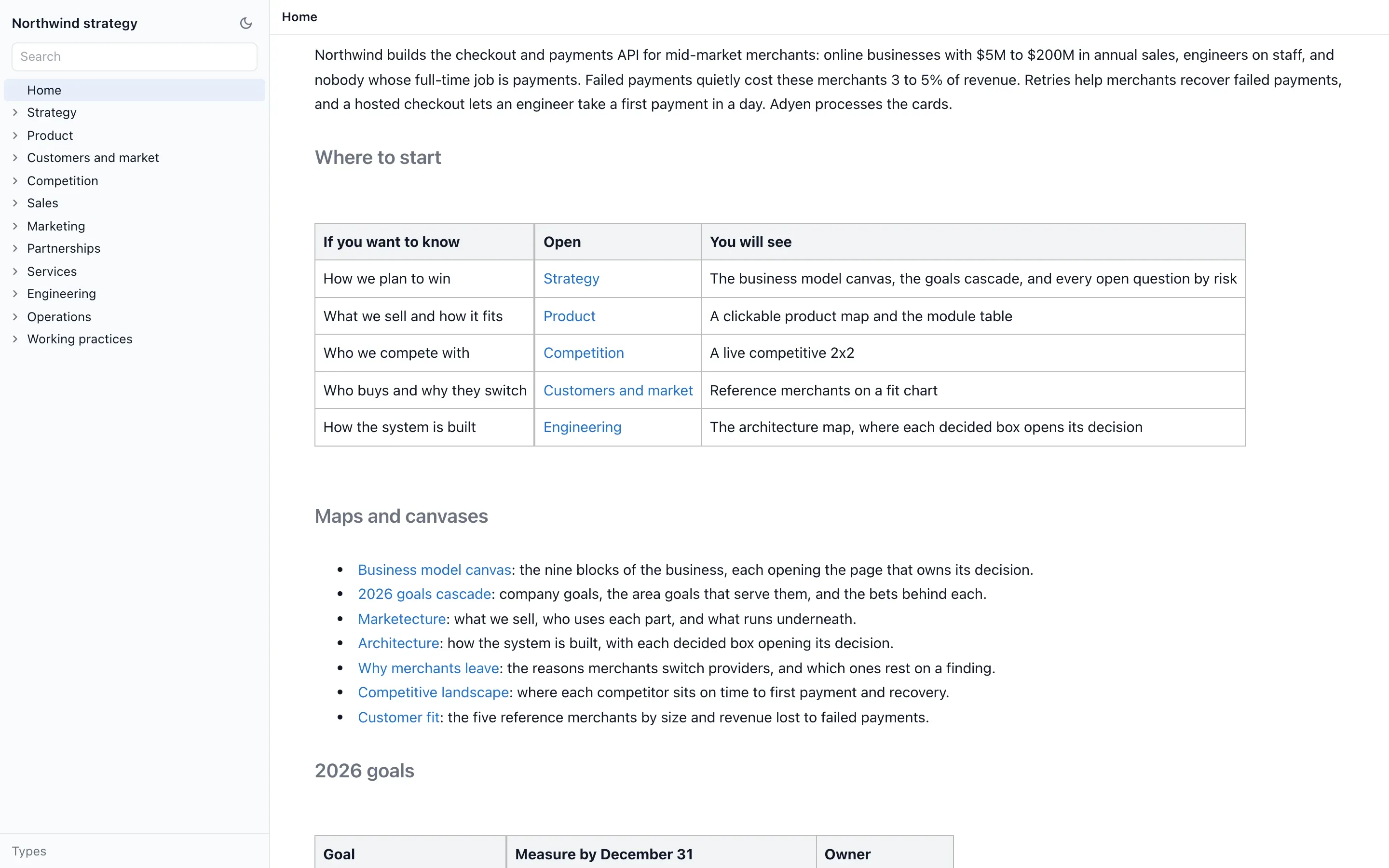
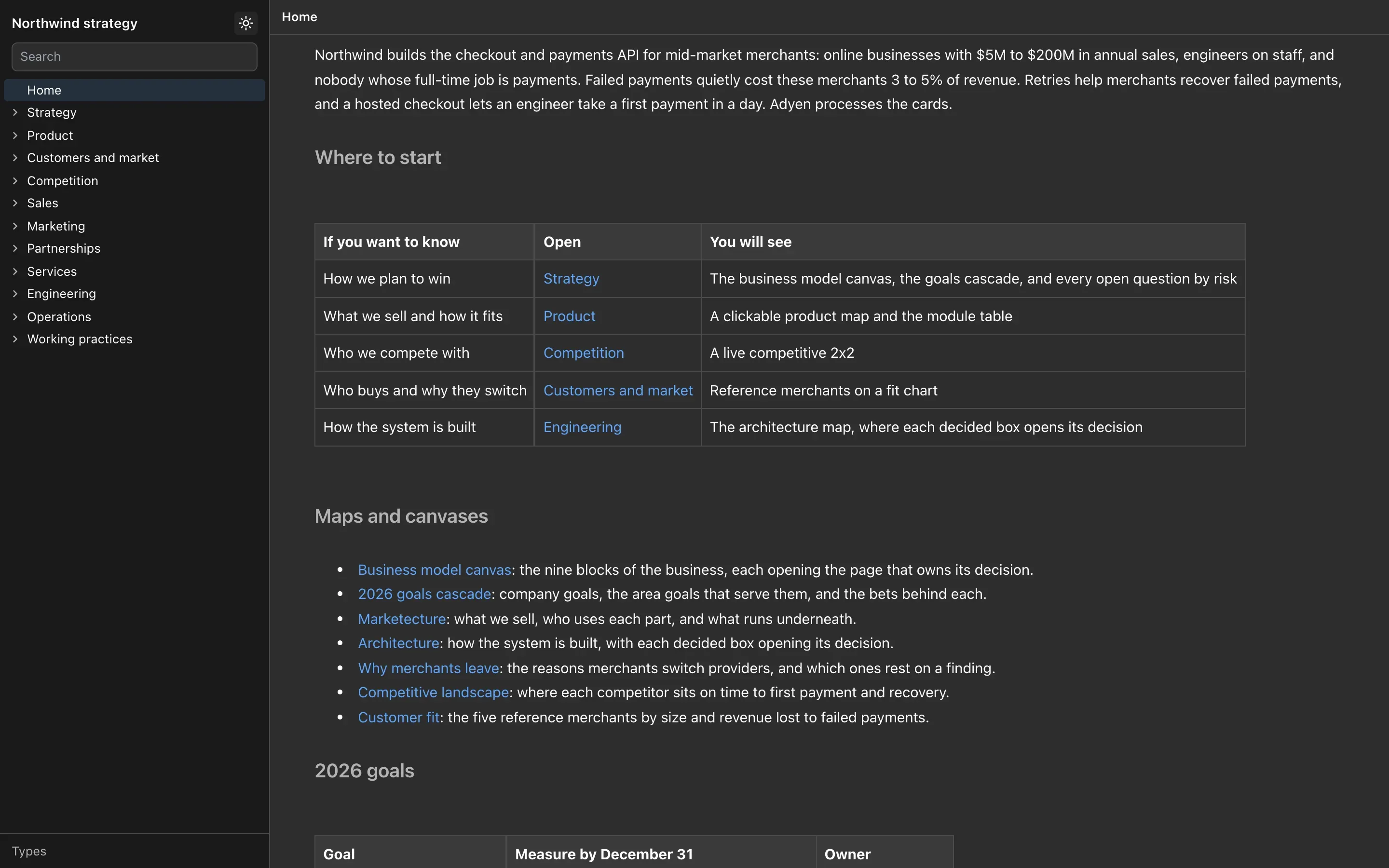
- Home, a dashboard of the big picture: what the project is, a map, the work under way, open questions and recent decisions, and links to drill in.
- How we write this wiki, a writing guide the agent reads before every edit. Edit it to change how your wiki is written, including which visual to use for each need.
- Starter pages for the sections you chose, with sources cited.
4. Open it in your browser
Ask:
Open the wiki in my browser.
You get the page tree and the editor. Edit any page and the change saves to the file. What the agent writes shows up while you watch. See Browser view.
5. Make a decision and record it
Work with your agent as usual. When you settle something, say so, then ask:
Capture what we decided.
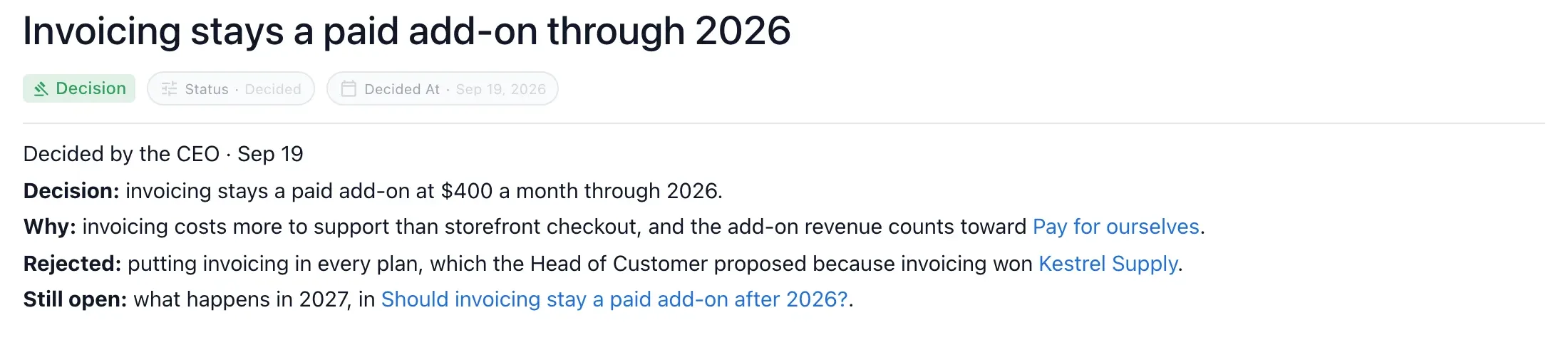
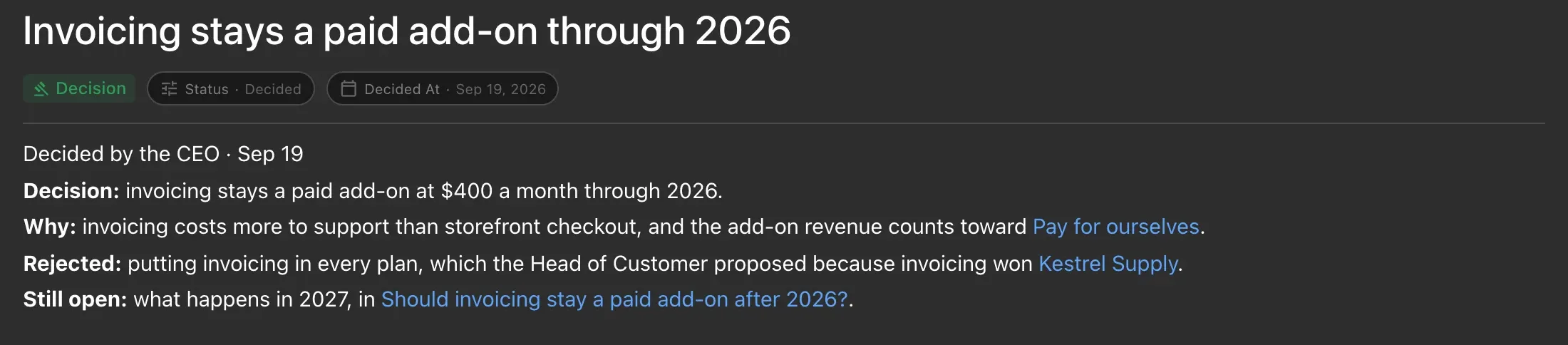
The agent writes each decision as a marked sentence in the page it affects, with who decided, when and what was not chosen, and records open questions with their owners. In Claude Code, the agent is also reminded once at the end of a session with substantial work. See Decisions and open questions.
6. Ask the wiki
Before you start on an area, ask what is already settled:
What did we decide about pricing?
The agent answers from the wiki’s decisions and pages, names the pages it used, and keeps what the wiki says apart from what it infers.
Slash commands in Claude Code
Every step above works as a plain request. In Claude Code the same skills are also slash commands:
/nimbalyst-wiki:start      a short tour
/nimbalyst-wiki:setup      build or fill in the wiki
/nimbalyst-wiki:capture    record what this session decided
/nimbalyst-wiki:recall     answer from the wiki
/nimbalyst-wiki:team       move the wiki to a team and invite people
/nimbalyst-wiki:connect    choose which wiki this session uses
/nimbalyst-wiki:update     the writing rules the agent follows for every edit
Running setup again fills gaps. It never duplicates or overwrites what people wrote.
Next steps
- Add visuals: Pages and components.
- Track a set of things in a table: Typed pages.
- Share it: Promote to a team or Publish as a static site.